
Dialer CRM With Call Recording: Train New Reps From Real Calls | Wurkzen Rainmaker
New reps learn a sales job in one of two ways. They sit next to someone good and listen, or they get a script and work out the rest on live prospects. The first way works better. It just doesn’t scale, because your best closer can’t sit next to every new hire.
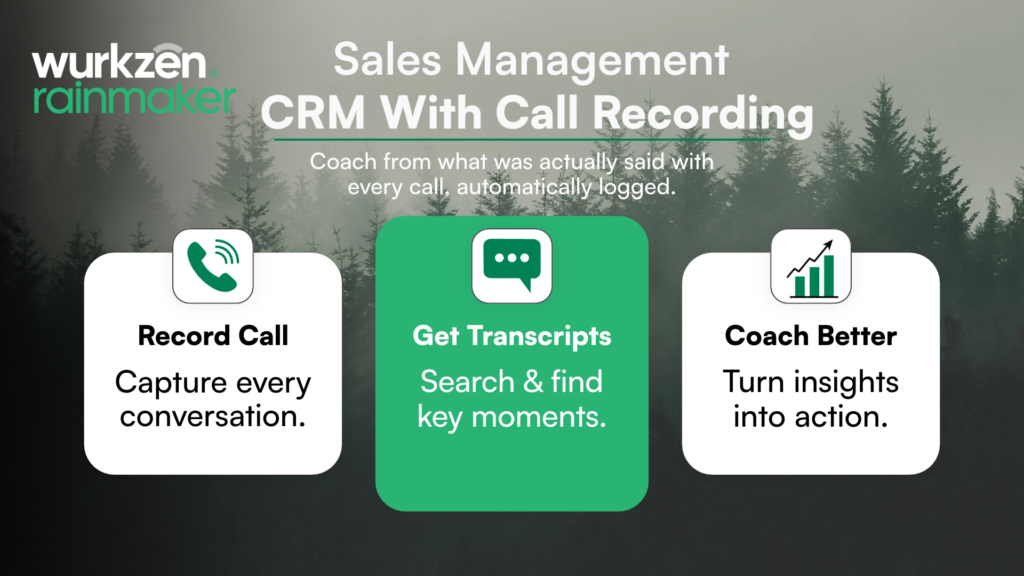
A dialer CRM with call recording gets you close. Every call your team makes is saved, transcribed and attached to the deal, so your best conversations become a library anyone can learn from. Here’s how to set that up, and how Wurkzen Rainmaker does it in Sales 360.
What a dialer CRM with call recording gives you
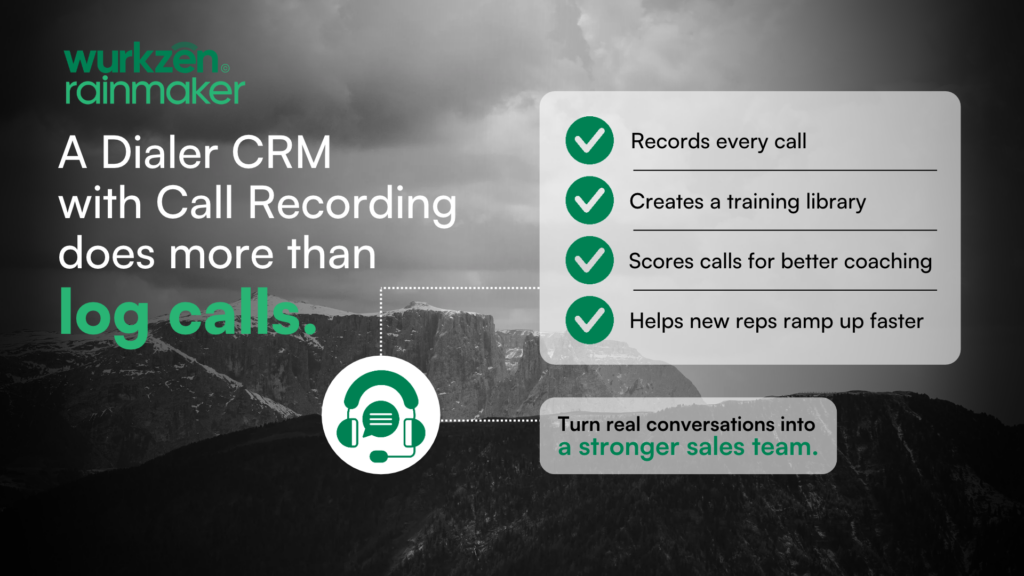
A dialer CRM puts calling inside the CRM. A CRM with call recording saves each of those calls to the record. Put them together and you get a full history of every conversation, without anyone pressing a button or uploading a file.
That pays off in moments like these:
A deal goes quiet and the manager wants to hear the last call before stepping in.
A prospect says “your rep told me something different” and you need to check.
A new rep wants to hear how a senior rep handles a price objection.
When recordings sit in a separate phone system, each of those starts with a search. When they sit on the deal, it starts with a click.
Building a training library from recordings
Recording every call is the easy part. Using the recordings is where most teams stall. A simple weekly routine:
Managers pick two or three calls that went well and one that didn’t.
They mark the moment that mattered: the discovery question, the objection, the ask.
New reps listen before their first live calls, then again after their first week.
Managers review a few of each new rep’s calls next to the examples.
Transcripts speed this up. Instead of sitting through a 20-minute call to find the objection, a manager can search the transcript and jump to it.
Scoring calls so coaching goes to the right place
A library shows reps what good sounds like. Scoring shows you who needs help, and where. When every call is scored against the same criteria, managers stop picking calls at random and start with the ones flagged as weak.
For a new rep, that’s the difference between hearing “work on your discovery” at a monthly review and getting a specific call to listen to the same week.
How Sales 360 from Wurkzen Rainmaker handles recording
Sales 360 is the sales management platform from Wurkzen, the company behind Rainmaker voice AI. The Sales 360 page describes:
Click to call from any record, with the dialer built in.
Calls recorded, transcribed and dispositioned in one place.
Every call scored against one rubric covering discovery, qualification, objection handling and next-step setting.
Low-scoring calls flagged for manager review.
Real-time scorecards and ramp tracking, so you can see how new reps are coming along.
Wurkzen Rainmaker AI calls are recorded and graded on the same rubric as your reps, so your AI callers are held to the same standard as your team.
Where to start
If your team already records calls, check two things: where the recordings live, and when anyone last listened to one. If the answers are “a different system” and “not sure,” a dialer CRM with call recording will get more out of calls you’re already making.
Explore Sales 360 on the Wurkzen site, or contact the Wurkzen Rainmaker team to see how recording and scoring would work for your reps.
Frequently Asked Questions
A dialer CRM is a CRM with calling built in, so reps dial from the contact or deal and every call is logged to that record.
Recordings in the CRM are attached to the right contact and deal automatically, so managers can find and review them in seconds.
Sales 360 records, transcribes and scores calls and includes ramp tracking, so managers can coach new reps from their actual calls.