
CRM With Dialer: Why You Also Need a CRM With Call Recording | Wurkzen Rainmaker
Ask any sales manager what happened on yesterday’s calls and you’ll usually get a guess. They heard a couple live. They read a few notes. The rest is a mystery.
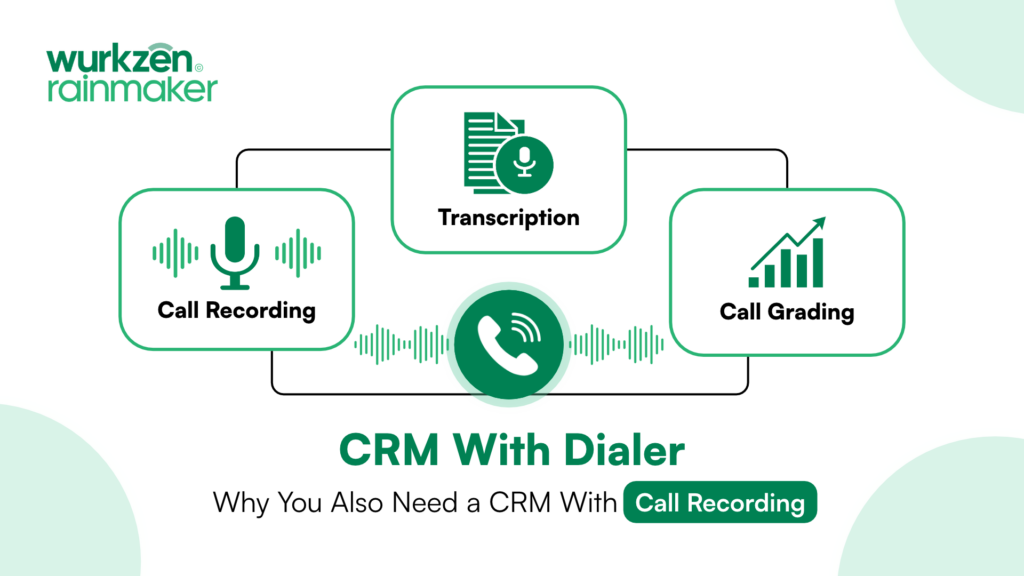
A CRM with dialer fixes the logging problem. A CRM with call recording fixes the coaching problem. Put the two together in one platform and you finally know what your team is saying on the phone. That is the idea behind Sales 360 from Wurkzen Rainmaker.
Why call recording belongs inside your CRM
Plenty of phone systems can record a call. The question is where that recording ends up. If it sits in a separate tool, someone has to find it, match it to the right deal and remember to listen. In practice, most recordings never get played.
When your CRM with dialer is also a CRM with call recording, the recording is attached to the contact and the deal the moment the call ends. A manager reviewing a stalled deal can open the timeline, see the last three calls and hear exactly where the conversation went sideways.
What good call recording looks like
Not all recording is equal. Look for these basics:
Recording that happens automatically on every call, so nothing depends on a rep pressing a button.
Transcripts you can search, so you can find every call where a prospect mentioned price or a competitor.
Playback from inside the deal record, not a separate library.
The call outcome saved alongside the recording.
From recordings to coaching: grading every call
Recordings only help if someone reviews them, and no manager has time to listen to every call. That’s where grading comes in.
The better approach is to decide once what a good call looks like, then score every call against that standard automatically. Managers spend their time on the calls that need attention instead of hunting for them. Reps get clear, consistent feedback instead of opinions that change from week to week.
How Wurkzen Rainmaker’s Sales 360 records and grades calls
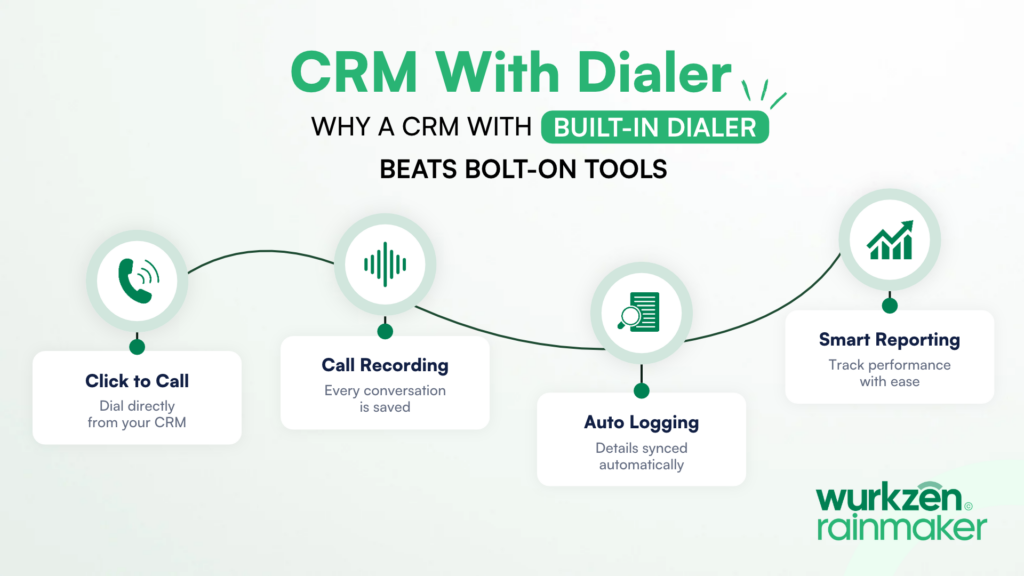
Sales 360 is a CRM with dialer, call recording and grading built into one login. According to the Sales 360 page:
Reps click to call from any record.
Calls are recorded, transcribed and dispositioned in the same platform.
Reviewers can listen back and search transcripts.
You set your criteria once (for example discovery, qualification, objection handling and next-step setting), and every call and email is scored against them automatically.
Calls that score low are flagged for manager review.
Because Wurkzen Rainmaker AI agents log their calls to the same feed, your AI callers are graded on the same rubric as your people. You get one honest view of call quality across the whole team.
There is also a built-in AI assistant. Managers can ask plain-English questions like “Who’s making the most calls this week?” and get answers drawn from calls, emails, deals and grades.
Getting started
If your calls are the heart of your sales process, your CRM should hear them. A CRM with dialer and a CRM with call recording shouldn’t be two different purchases.
See how it works on the Sales 360 page, or contact Wurkzen to talk through your team’s setup with someone from Wurkzen Rainmaker.
Frequently Asked Questions
A CRM with call recording attaches each recording to the right contact and deal, so managers can review real conversations instead of relying on notes.
Yes. Sales 360 records, transcribes and dispositions calls, and reviewers can search transcripts.
Yes. Wurkzen Rainmaker AI calls appear in the same activity feed and are graded on the same rubric as human reps.